High Performance Order Storage (HPOS): Why Your WooCommerce Store Needs It
WooCommerce running slow as orders pile up? Here's how High Performance Order Storage (HPOS) fixes checkout speed, admin lag, and database bloat.
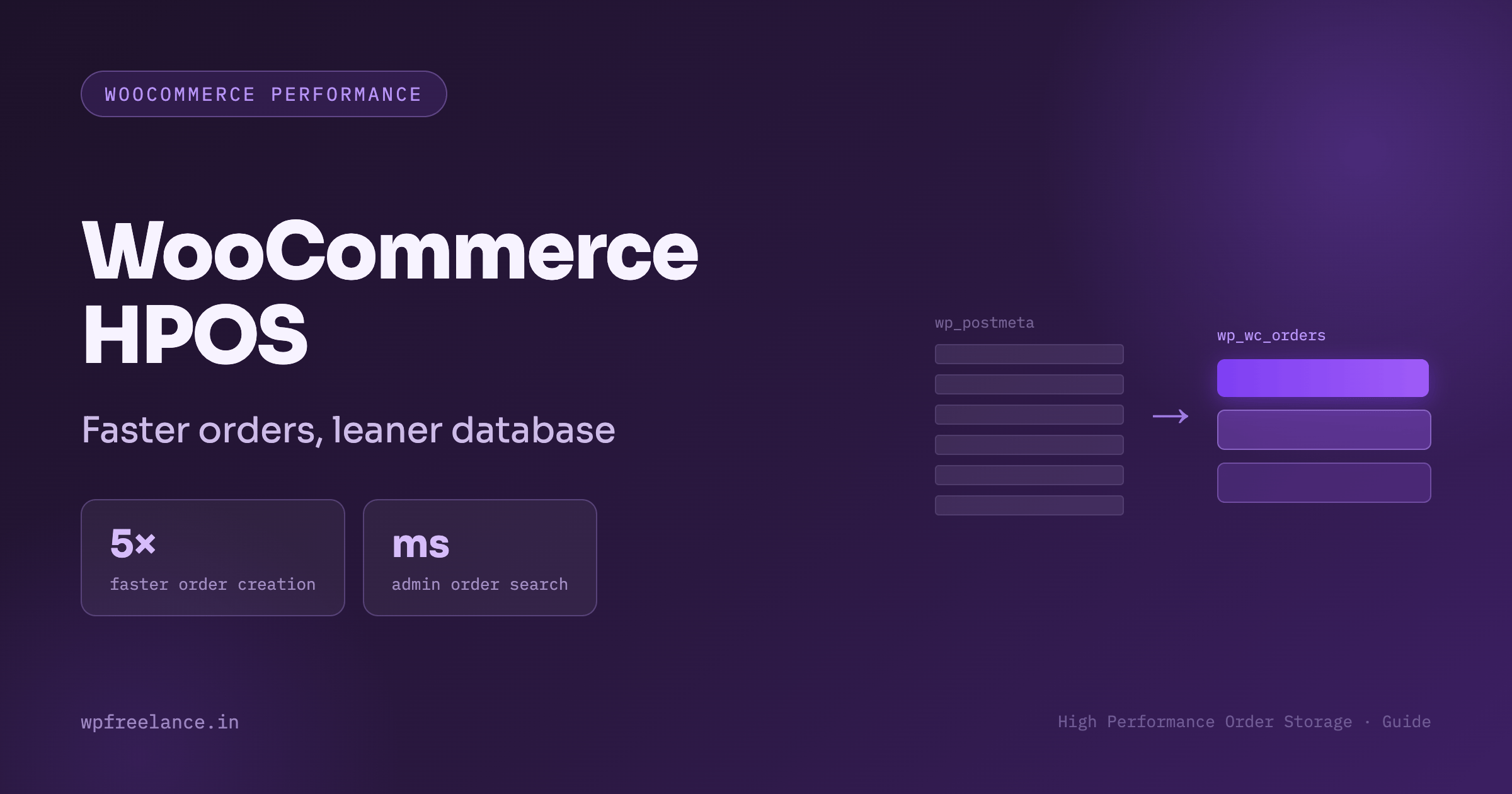
Anyone running a busy WooCommerce shop eventually hits the same wall: order volume climbs, and suddenly everything else slows down with it. Order lookups in the admin panel start dragging, checkout feels less snappy, and a big sale event turns into a stress test for your server. None of that is a coincidence — it's almost always tied to how WooCommerce has traditionally stored order data.
For most of its history, WooCommerce squeezed every order into the same database tables WordPress uses for blog posts and pages. That approach worked fine for a handful of orders a week, but it buckles under real e-commerce traffic.
High Performance Order Storage, usually shortened to HPOS (and previously called Custom Order Tables), is WooCommerce's fix for this problem. It gives orders their own purpose-built tables instead of forcing them to share space with your content. The result is a noticeably faster admin experience, quicker checkouts, and a store that can actually grow without your database becoming the bottleneck.
Below is a practical breakdown of what HPOS changes under the hood, why it's worth caring about from a business standpoint, and how to move your store over to it without breaking anything.
What Is High Performance Order Storage (HPOS)?
HPOS is a rebuilt database structure for WooCommerce orders. Instead of storing order records inside the standard wp_posts and wp_postmeta tables — the same ones used for every blog post and page on your site — HPOS gives orders their own dedicated set of tables.
To see why that matters, it helps to know how the old system worked. Under the legacy setup, every order was treated as a special kind of blog post:
- WooCommerce inserted a row into
wp_postswith a post type ofshop_order. - Every detail tied to that order — the billing address, line items, tax figures, payment IDs, shipping info — was written as a separate row in
wp_postmeta.
A single order could easily generate 40 to 50 rows in that meta table. Multiply that across tens of thousands of annual orders, and wp_postmeta balloons into a table with millions of entries that isn't properly indexed for the way orders actually get queried. Pulling up order details means running expensive joins across that bloated table, and that cost shows up everywhere: checkout, order search, and reporting.
HPOS replaces all of this with four purpose-built tables:
wp_wc_orders— the core order record (status, total, currency, customer).wp_wc_order_addresses— billing and shipping details.wp_wc_order_operational_data— internal flags and processing data.wp_wc_orders_meta— extension-specific metadata tied to the order.
Because this structure is indexed and purpose-built, WooCommerce no longer needs to dig through your content tables just to find an order.
Why HPOS Actually Matters for Store Owners
It's easy to file this under "backend housekeeping," but the impact shows up in numbers that affect revenue and day-to-day operations.
Checkout Feels Faster
Every completed purchase means WooCommerce has to write the order to the database before showing the confirmation page. Under the old system, writing 40-plus unindexed rows created real disk I/O delays. With HPOS, that same write happens against indexed columns in dedicated tables, and order creation can run up to 5x faster.
The Admin Panel Stops Dragging
Support and fulfillment teams live inside the WooCommerce order screen. Searching by customer name, order number, or date used to mean scanning through millions of meta rows. With HPOS, those lookups run against indexed columns, cutting searches that took five to ten seconds down to near-instant.
Flash Sales Don't Choke Your Site
During big promotions, dozens of checkouts happening at once used to fight over write locks on the same wp_postmeta table that also handles blog content and user data. HPOS separates order writes from everything else, so a traffic spike doesn't drag down your entire site.
Your Hosting Bill Doesn't Have to Grow as Fast
Cleaner, indexed queries mean less CPU and memory strain per order. That translates into more orders processed on the same hosting plan, delaying — or avoiding entirely — the need for a costly server upgrade.
Legacy Order Storage vs. HPOS at a Glance
| Feature | Legacy Storage (wp_posts) |
HPOS (wp_wc_orders) |
|---|---|---|
| Where data lives | Shared with blog posts & pages | Dedicated WooCommerce tables |
| Data structure | Unindexed key-value pairs (wp_postmeta) |
Indexed relational columns |
| Order creation speed | Slows down as the database grows | Stays fast regardless of volume |
| Admin order search | Heavy load, full table scans | Near-instant indexed searches |
| Database locking | High risk during high-volume sales | Low risk, writes are isolated |
| Plugin compatibility | Relies on legacy get_post_meta() |
Uses modern WooCommerce CRUD methods |
Moving to HPOS Without Breaking Your Store
HPOS now ships as the default for brand-new WooCommerce installs, but if you're running an existing store, switching over deserves a bit of planning — mainly to make sure every plugin you rely on plays nicely with the new tables.
Step 1: Check Plugin Compatibility First
Some older plugins query wp_postmeta directly using functions like get_post_meta($order_id). Those calls won't find anything once HPOS is handling order data, unless sync is active. Head to WooCommerce > Status > Features inside your dashboard — WooCommerce will flag any active plugin that hasn't yet been marked HPOS-compatible.
Step 2: Test on a Staging Site First
Never run a schema-level migration like this directly on a live store. Clone your site to staging and test everything there first. If you'd rather have engineers handle the deployment pipeline and database sync for you, that's the kind of work our team takes on regularly — feel free to look into our engineering plans or web engineering services.
Step 3: Turn On Background Sync
WooCommerce includes a built-in sync process that copies your existing orders into the new tables gradually, in the background:
- Go to WooCommerce > Settings > Advanced > Features.
- Under Order Data Storage, choose High-performance order storage.
- Turn on compatibility mode, which keeps orders synced to the posts table while the migration runs.
- Save your changes and let the backfill job finish processing every historical order.
Step 4: Switch Fully Over to HPOS
Once the sync shows 100% complete and you've tested everything on staging — checkouts, refunds, any ERP or fulfillment integrations — turn compatibility mode off on production. That stops the double-writing to wp_postmeta and unlocks the full performance benefit of HPOS.
Mistakes Worth Avoiding
- Writing raw SQL against old tables. If custom code anywhere on your site runs a query like
SELECT * FROM wp_postmeta WHERE post_id = $order_id, it will break once HPOS is active. Replace it with WooCommerce's order objects (wc_get_order($order_id)) or its data store methods. - Skipping the backfill. Flipping the switch before the sync finishes can make older orders temporarily disappear from the admin panel.
- Forgetting about ERP or fulfillment tools. Any third-party integration pulling order data needs to be tested on staging to confirm it's reading order IDs correctly from the new tables.
Frequently Asked Questions
What is WooCommerce High Performance Order Storage (HPOS)?
It's an updated database structure that stores WooCommerce orders in dedicated, indexed tables instead of the default WordPress post tables.
Will turning on HPOS break my store?
HPOS itself is stable and officially supported by WooCommerce. The real risk comes from older third-party plugins that read order data the old way, so it's worth testing compatibility on staging before switching your live site.
How much faster is HPOS, realistically?
Results vary by host and store size, but order creation typically improves by 200% to 500%, and admin order searches that used to take several seconds can drop to millisecond response times.
Can I roll back if something goes wrong?
Yes. As long as compatibility mode stays on during the migration, your order data is kept in sync across both the old and new tables, so you can switch back while you troubleshoot.
Get Your WooCommerce Store Ready to Scale
HPOS is the kind of upgrade that separates a store that slows down under pressure from one that handles its busiest days without flinching. But migrating a live database and untangling legacy code isn't something to rush — it takes careful, experienced engineering to avoid downtime or lost orders.
At WPFreelance, this is exactly the kind of work we do for growing e-commerce brands: building, optimizing, and maintaining WooCommerce stores that can handle real traffic. Take a look at our portfolio, read more technical insights on our blog, or reach out to our team to get your store's performance audited today.
Planning a website or store?
We design, build, and maintain fast, well-engineered sites. Tell us what you need and we'll come back with a clear plan.